

Action Workbench
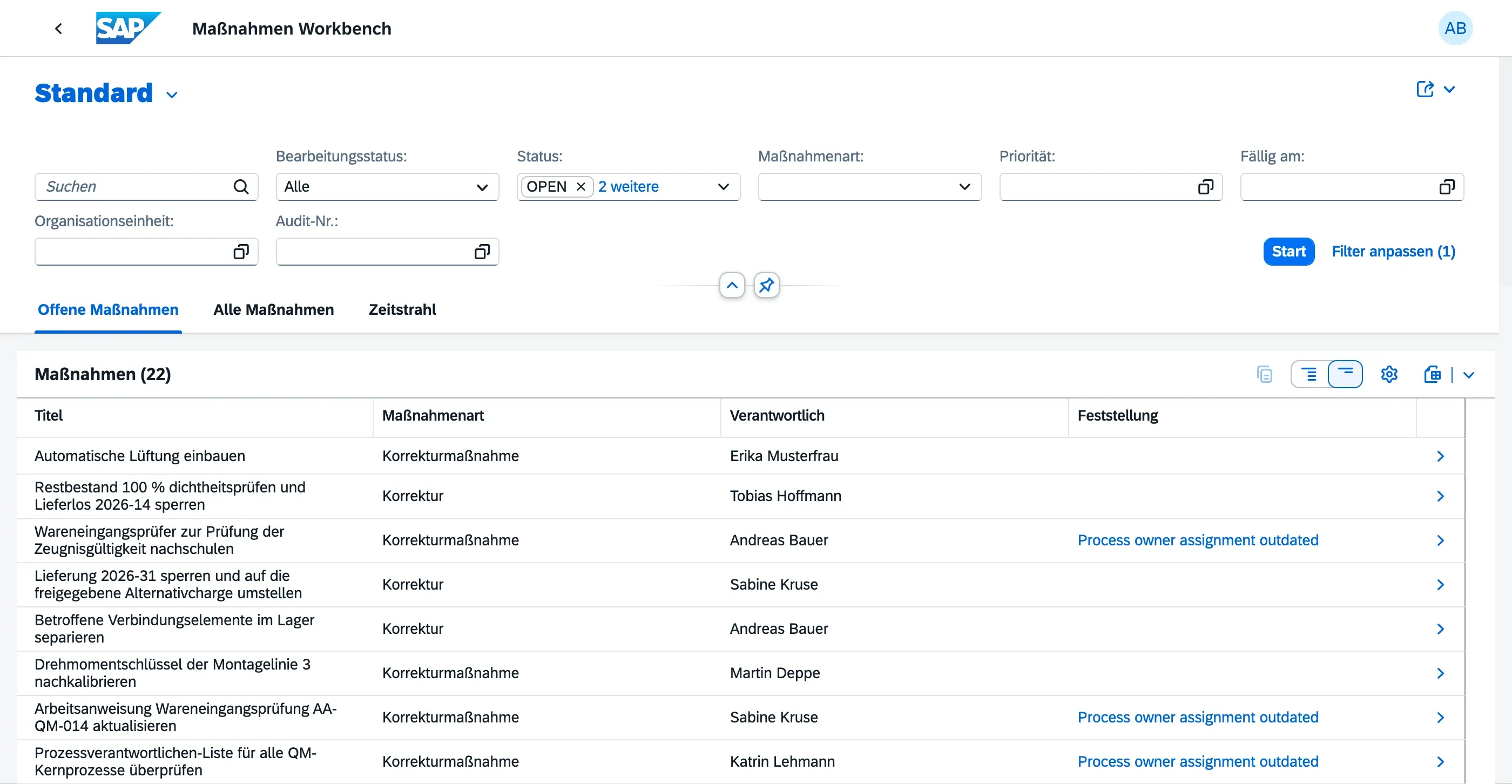
The Action Workbench gives Audit Managers and Auditors a single place to oversee all action items across all audits — without opening each finding individually.
Who can use this
Section titled “Who can use this”- Audit Managers and Auditors — full access; can transition, comment on, and review any action item
- Auditees do not have access to the Action Workbench; they work from their own My Actions worklist
Moving an action item forward
Section titled “Moving an action item forward”Once the responsible person marks an action item Verified in My Actions, the workbench is where a manager reviews and finishes the lifecycle:
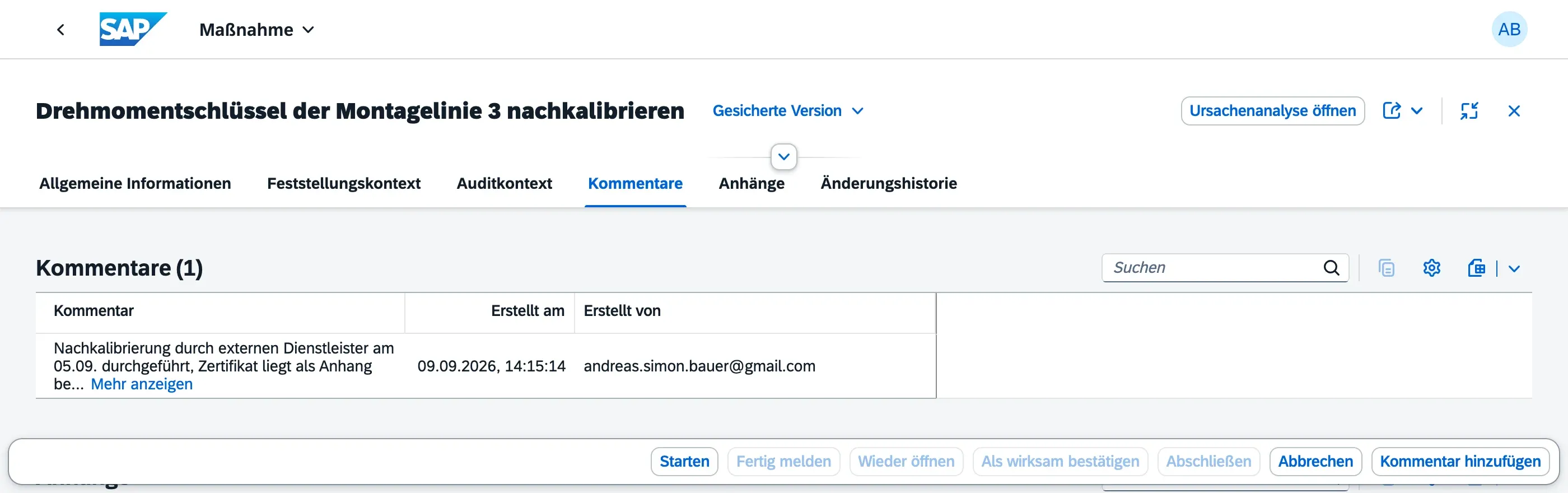
| Action | From | To |
|---|---|---|
| Mark Effective | Verified | Effective |
| Close | Verified or Effective | Closed |
| Cancel | Open, In Progress, or Verified | Cancelled |
| Reopen | In Progress, Verified, or Effective | Open |
Adding a comment
Section titled “Adding a comment”Use the Add Comment button in the footer toolbar to open a dialog and enter a comment. This is the same shared comment history visible in My Actions — everyone with access sees all comments, but you can only edit or delete your own.
Effectiveness Review
Section titled “Effectiveness Review”For actions that require a follow-up effectiveness check, the action item has an Effectiveness Review flag and a free-text Effectiveness Note field. Fill these in after the action has been in place for a period, to document whether it actually resolved the root cause.
Mark Effective only succeeds once Effectiveness Review is checked — qportal rejects the transition otherwise, so a follow-up check can’t be skipped. Once accepted, qportal automatically records who reviewed the effectiveness and on which date (based on the person performing the action), for a traceable audit trail per ISO 9001:2015. These two fields — Reviewed By and Reviewed On — are set automatically and can’t be edited by hand.
Planning view
Section titled “Planning view”The Action Workbench also offers a calendar-style planning view, letting managers see upcoming and overdue due dates across all action items at a glance.
- Use the Effectiveness Review fields after the action has been in place to confirm the root cause is resolved before closing
- Use Reopen if a review reveals the action wasn’t sufficient, even after it reached Verified or Effective
Next Steps
Section titled “Next Steps”- Action Items Overview — action types and the full lifecycle
- My Actions — the responsible person’s personal worklist