

My Actions
The My Actions tile in the Launchpad shows all action items assigned to you across all audits. This is the primary working view for anyone responsible for completing corrective or preventive actions — typically an Auditee.
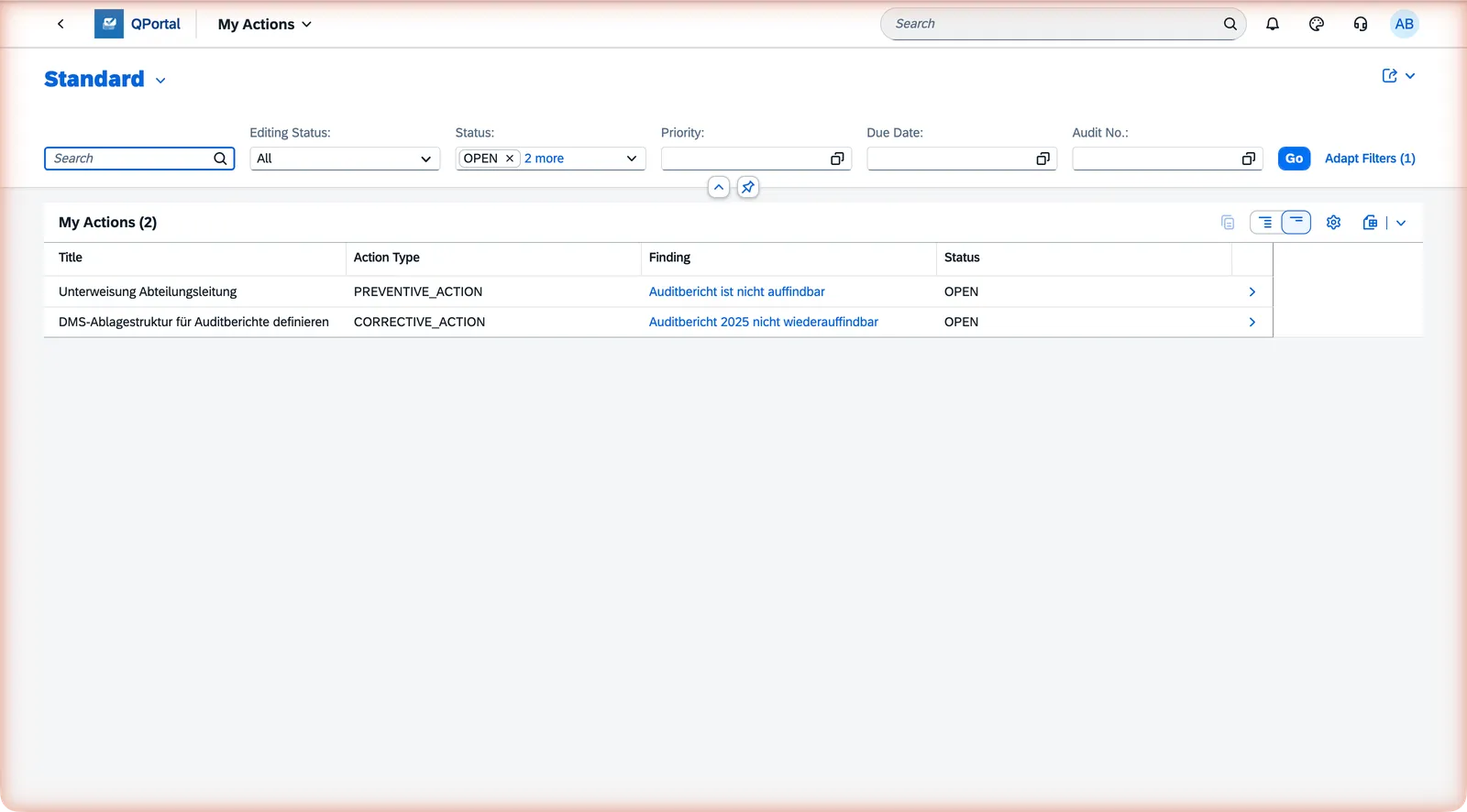
The list shows:
- The action item title and its parent finding and audit
- Current status and due date
- Visual indicators when an item is overdue
Moving an action item forward
Section titled “Moving an action item forward”As the responsible person, you drive the action item through its first steps:
| Action | From | To |
|---|---|---|
| Start | Open | In Progress |
| Complete | In Progress | Verified |
| Reopen | Verified | Open |
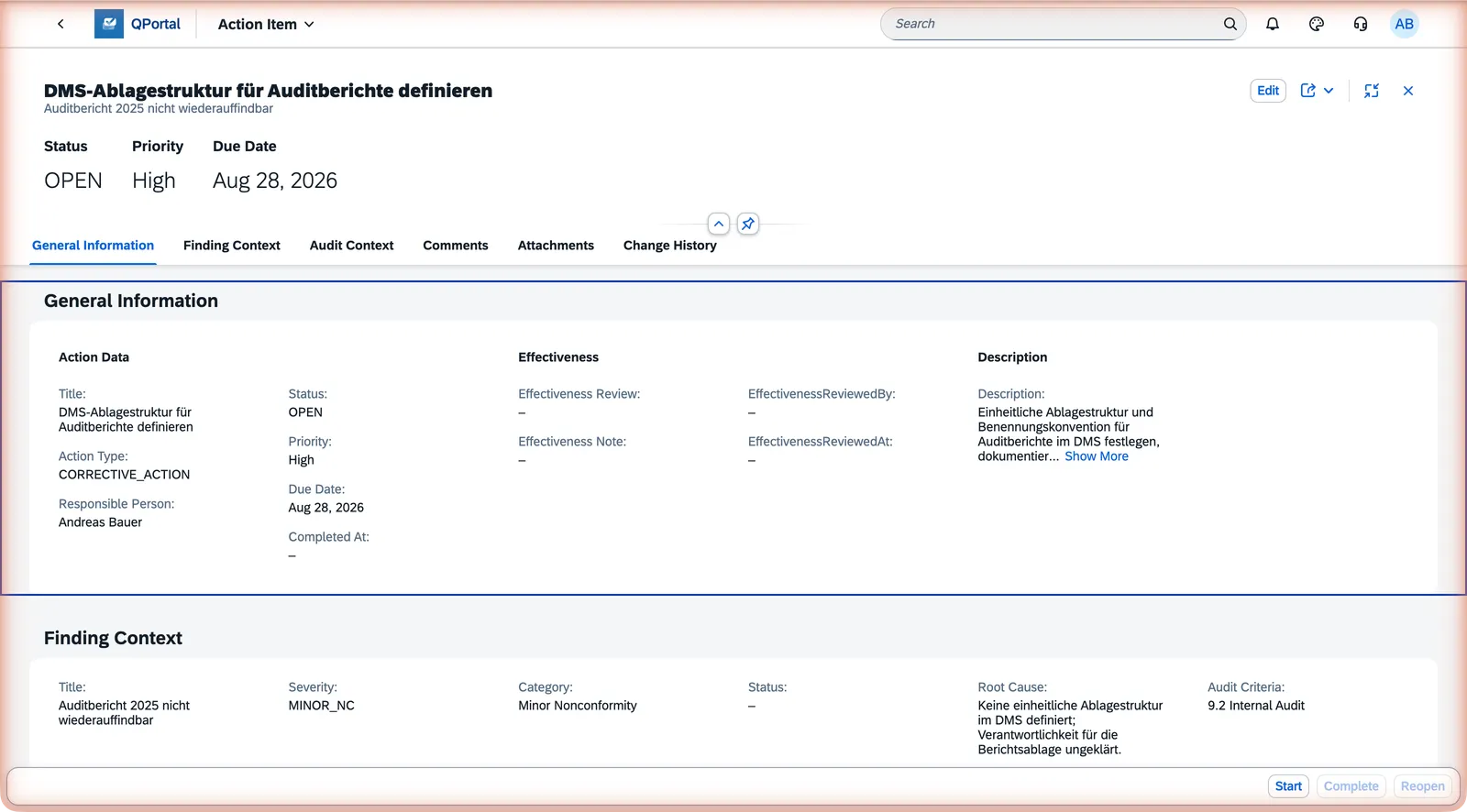
The Verified status signals to the audit manager that the work is done and ready for review. Further transitions (to Effective or Closed) are handled in the Action Workbench.
Attachments as Evidence
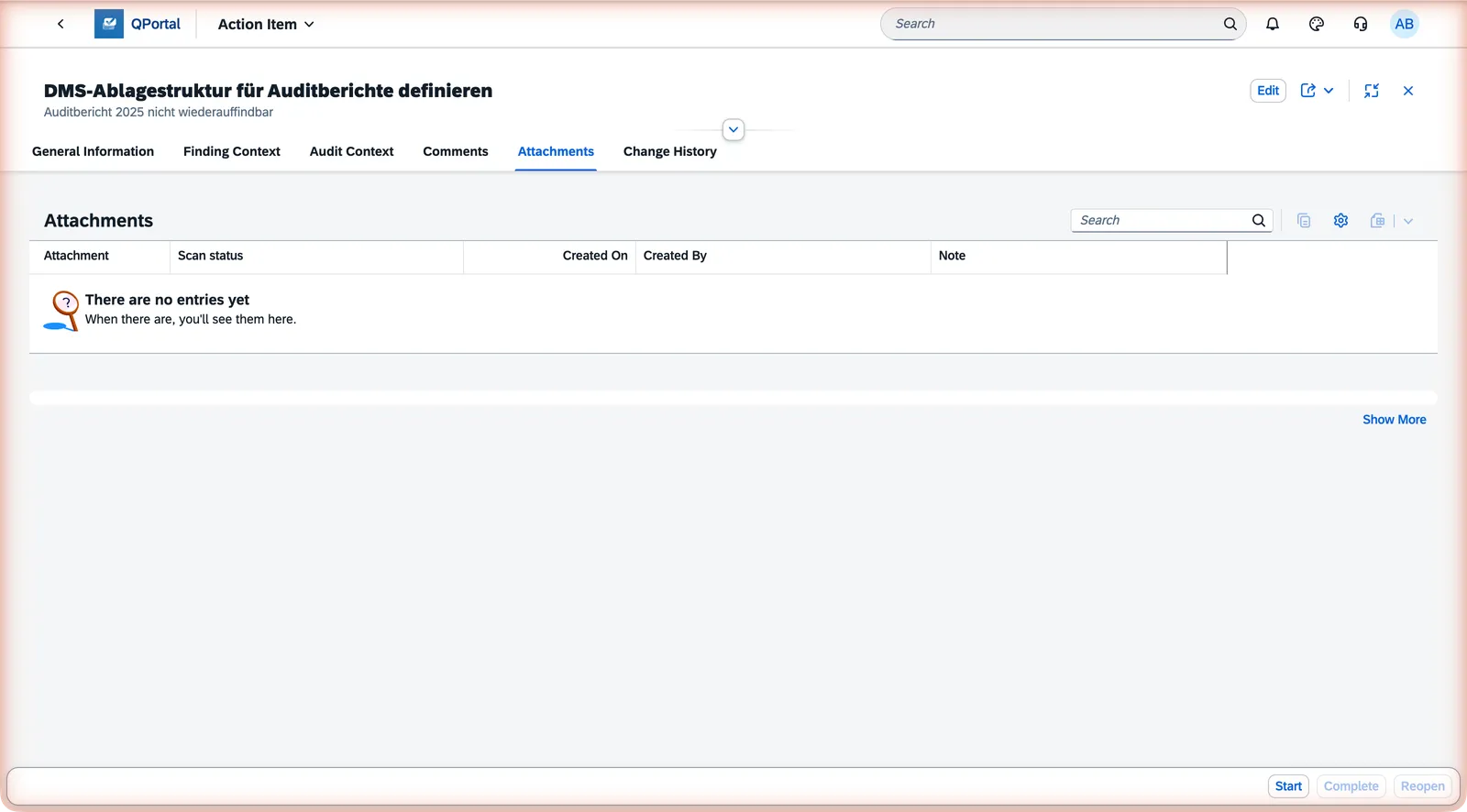
Section titled “Attachments as Evidence”You can attach files to an action item as evidence of completion — photos, test results, documents, etc. Use the Attachments section on the action item detail page.
Comments
Section titled “Comments”Add comments directly in the Comments section of the action item — useful for status updates, questions, or context that doesn’t fit into a formal field. Everyone with access to the action item sees the full comment history, but you can only edit or delete comments you wrote yourself. Audit Managers can also comment from the Action Workbench.
Context Information
Section titled “Context Information”Each action item shows context from its parent finding and audit:
- Finding Title — what the action is responding to
- Audit Number and Title — which audit the finding came from
- Audit Status — so you know the current state of the parent audit
- Attach evidence files before marking an action Complete — reviewers can verify the evidence is in place
- If a corrective action turns out to be insufficient, use Reopen to return it to Open and revise the approach
Next Steps
Section titled “Next Steps”- Action Items Overview — action types and the full lifecycle
- Action Workbench — the manager’s oversight view