

Root Cause Analysis
A finding tells you what went wrong. Root Cause Analysis is where you work out why — in a form that can be reviewed, reused and audited later.
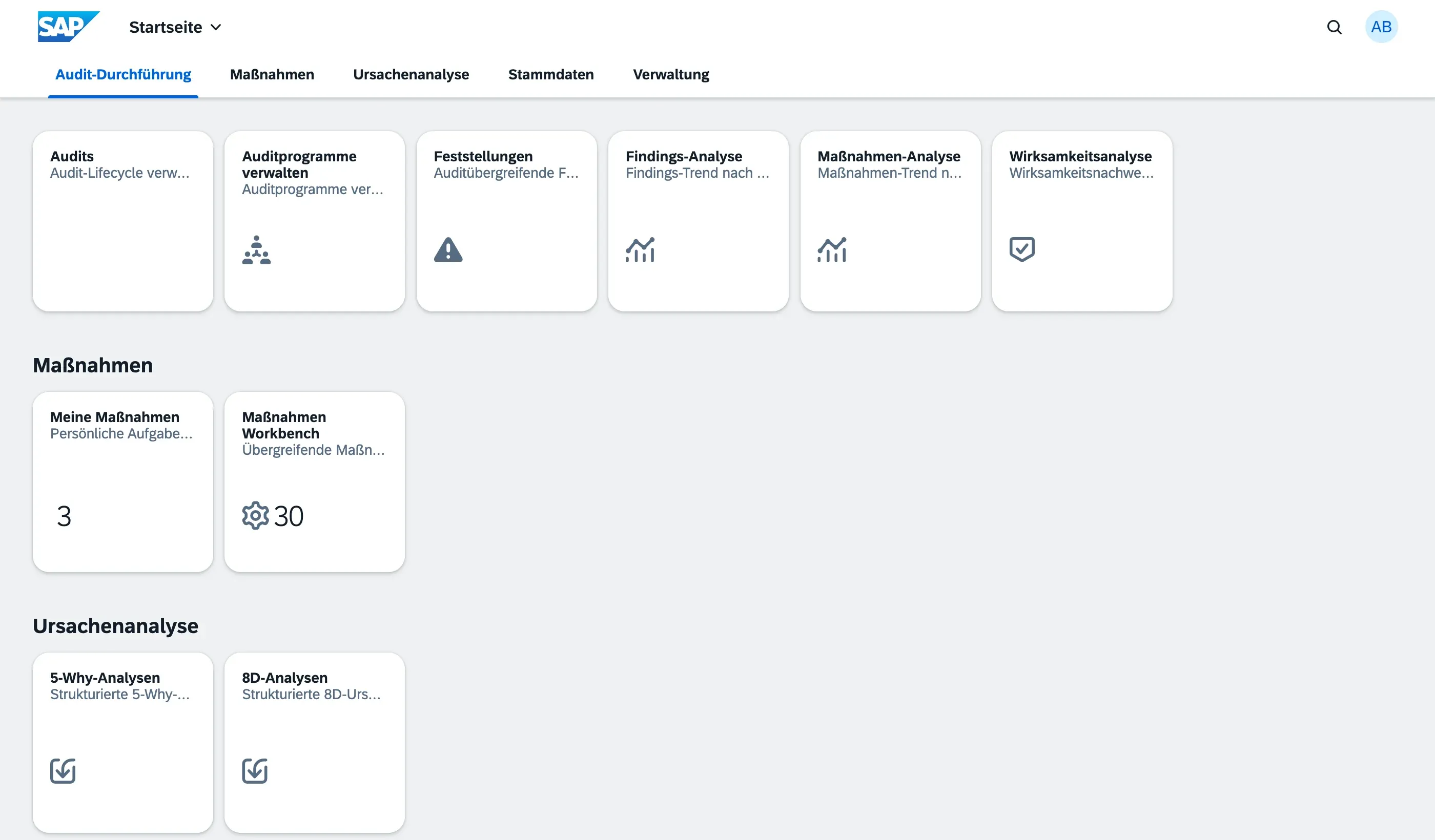
qportal ships two methods, each with its own app: 5-Why Analyses for a quick, linear investigation, and 8D Analyses for a full team-based problem-solving process. Both live in the Root Cause Analysis group on the launchpad.
Why a structured analysis at all
Section titled “Why a structured analysis at all”ISO 9001:2015 (clause 10.2.1 b) asks you to evaluate the cause of a nonconformity, not just to name it. A free-text note like “operator error” satisfies nobody: it can’t be reviewed, it can’t be compared across cases, and it gives the corrective action nothing to attach to.
A structured analysis gives you three things a text field cannot:
- a documented chain of reasoning that a third party can follow,
- a cause category (Man, Method, Machine, Material, Environment, Measurement) that makes recurring problem patterns visible across cases,
- measures that are linked to the analysis they came from, and that show up in the same Action Items worklists as everything else.
Choosing between 5-Why and 8D
Section titled “Choosing between 5-Why and 8D”| 5-Why | 8D | |
|---|---|---|
| Typical duration | Minutes to hours | Days to weeks |
| Who works on it | One person, sometimes with a colleague | A named team with defined roles |
| Typical trigger | A single finding, a one-off deviation | Customer complaint, supplier deviation, repeated or safety-relevant problem |
| Structure | One chain of “Why?” questions, up to five levels | Eight defined steps (D1–D8), including immediate containment and prevention |
| Immediate containment | Not part of the method | D3 — explicitly required before the cause is even known |
| Effectiveness proof | Verification before completion | Verification before completion, plus formal closure with signature (D8) |
| Output for the customer | Internal documentation | Printable D0–D8 report (PDF) |
A practical rule of thumb: use 5-Why when you already suspect where the problem sits and only need to dig deeper in one direction. Use 8D when the problem reached a customer, when you need people from several departments, or when you must be able to hand over a report.
The methods are not mutually exclusive — the 8D process contains a 5-Why chain as its D4 step, so nothing is lost if you start small and escalate later.
Two ways to start an analysis
Section titled “Two ways to start an analysis”From a finding. Open the finding and choose Start Root-Cause Analysis. You pick the method, give the analysis a title, and qportal takes you straight into the new analysis. The finding keeps a link to every analysis started from it — see Creating & Classifying Findings.
Standalone. Open the 5-Why Analyses or 8D Analyses app and choose Create. Use this for anything that has no audit behind it: a customer complaint, a supplier deviation, a scrap rate that drifted out of range.
Both paths produce the same kind of record. The only difference is whether the Finding field is filled.
Who may do what
Section titled “Who may do what”Root Cause Analysis has two roles of its own, because the people who solve a problem are often not the people from the audit team:
| Role | May do |
|---|---|
| Root Cause Contributor | Create analyses, and edit the analyses they created or are a team member of |
| Root Cause Manager | Work on every analysis, and — exclusively — approve or reject an analysis submitted for verification |
Approval is deliberately kept out of the working team’s hands: the people who investigated a problem should not be the ones confirming that their own solution worked. See Roles & Permissions.
Next steps
Section titled “Next steps”- 5-Why Analysis — the quick, linear method
- 8D Analysis — the full team process, D1 to D8
- Analysis Lifecycle — statuses, verification and closure