

Conducting Fieldwork
Once an audit reaches the In Progress status, auditors work through the audit’s assigned question catalog and record a response for each question. This is referred to as fieldwork.
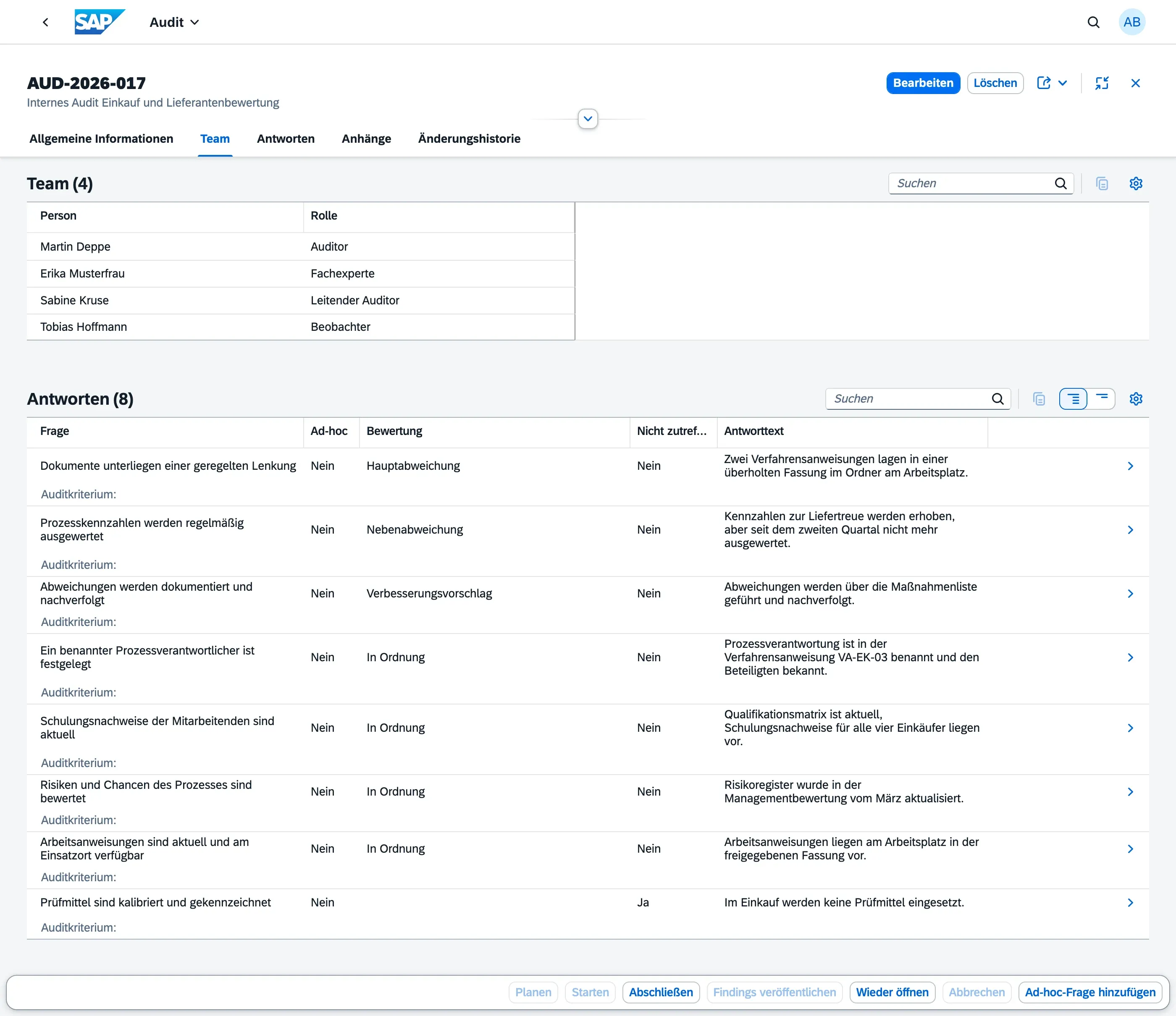
Recording a question response
Section titled “Recording a question response”For each question in the catalog:
- Select a Rating Option — the choices come from the catalog’s rating scheme (e.g. Yes / No / N/A, or Fulfilled / Partially Fulfilled / Not Fulfilled). Each rating option already carries its own conformity classification (Conform / Observation / Minor Nonconformity / Major Nonconformity), so choosing the rating is all that’s needed to classify the response — see Rating Schemes for details
- Enter a Response Text describing what was observed
- Optionally add Notes for additional context
- Mark the response as Not Applicable if the question does not apply to this audit
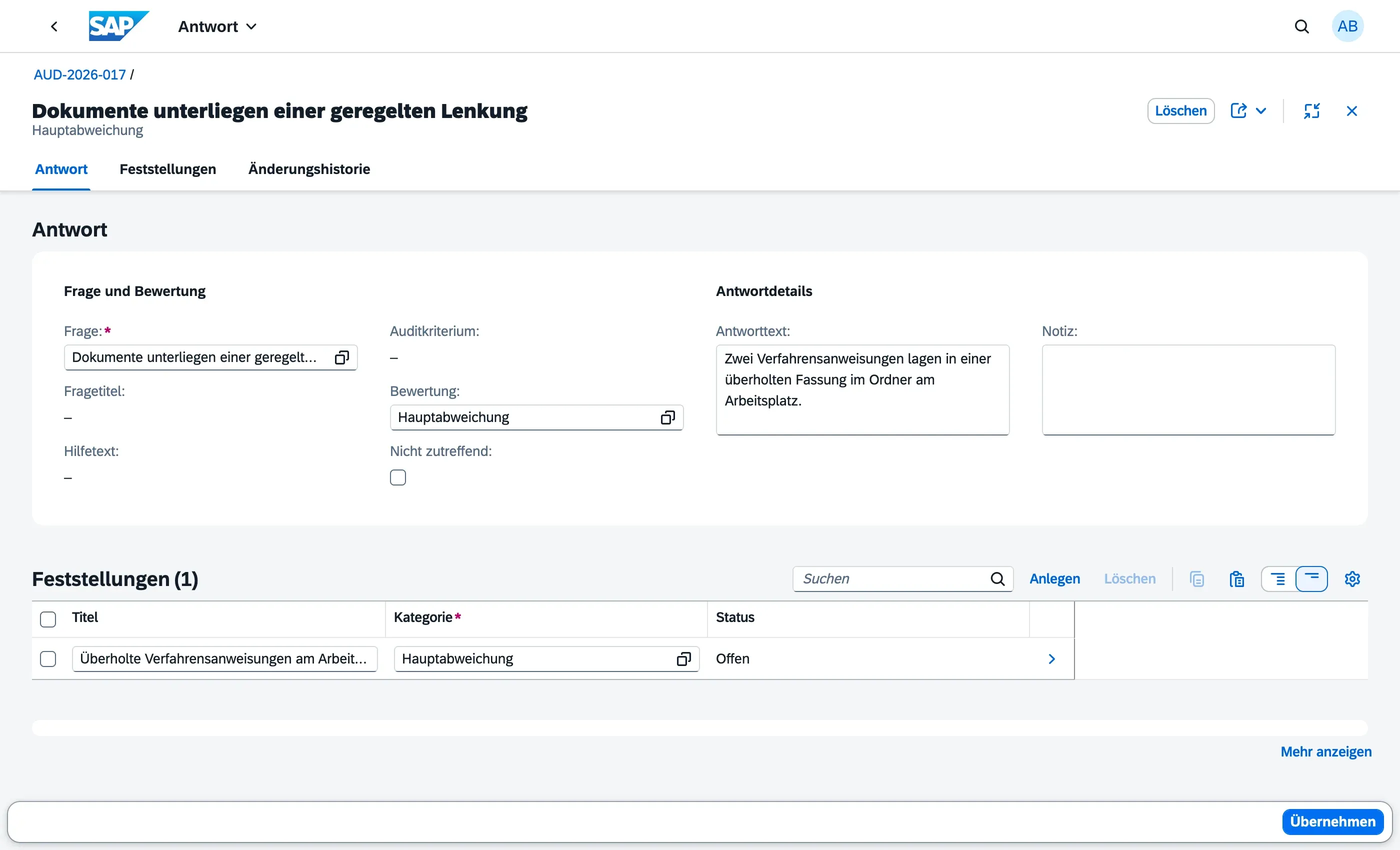
Adding a spontaneous question
Section titled “Adding a spontaneous question”Audits rarely go exactly as planned — while working through the catalog, you may want to ask something that was never part of it, for example following up on evidence you were just shown. You don’t need to amend the question catalog to do this:
- On the audit, choose Add Ad-Hoc Question (available while the audit is Planned or In Progress)
- Enter the question’s Title and, optionally, a Help Text for context
- Optionally link it to an Audit Criterion, if the question relates to a specific requirement
- Confirm — the question appears in the question response list like any other, marked as Ad-Hoc
You then record its response exactly as described above — rating, response text, notes, and optionally a finding — the ad-hoc question is not restricted in any way compared to a catalog question. It stays local to this one audit; it is never added to the question catalog itself, so future audits using the same catalog are unaffected.
Raising a finding from a response
Section titled “Raising a finding from a response”You can create a Finding directly from any question response — even a fully conform one, for example to raise an improvement suggestion, not only when a deviation is identified:
- Open the question response
- Choose Add Finding
- Fill in the finding’s details
See Creating & Classifying Findings for the full field list and severity classification.
When fieldwork ends
Section titled “When fieldwork ends”Once the audit is moved to Completed, all question responses and findings are locked and can no longer be edited. See Audit Lifecycle for the full status flow.